
Malik
[ROLE]
[BIO: two or three short sentences about Malik.]
Axon Automator watches your screen for the images you pick, then clicks, types, holds, drags or scrolls for you. Build it on a visual flow or record yourself doing it once.

What it does
You choose what to look for. Axon Automator finds it on screen and acts on it. Steps sit on a visual flow canvas, and each step is a stack of colour-coded blocks, so there is no code to write.
Give it a picture of the button, icon or popup you care about.
Click, type, hold, drag or scroll when it shows up.
Press F6 and it runs. Press F8 to stop.
Finds your buttons on screen, even across different resolutions and monitors.
Press Ctrl+R, do the task once, and get an editable automation with steps named from on-screen text.
Special steps that deal with surprise popups at any point in the chain.
If/else logic based on images, open windows, running programs, files, time, network or battery. Combine them with AND, OR and NOT.
Steers through 3D game worlds to find and collect targets by image, highlight colour or on-screen text.
Repeat an automation as often as you like and run it anywhere from 0.5x to 2x speed.
Mark areas of the screen the automation is never allowed to click.
Tie a profile to one program so its clicks follow that window wherever it goes.
A live status message with screenshots in your Discord, plus alerts when something goes wrong.
Wait for or click on-screen text instead of a picture. It reads the screen for you.
If a recorded step's picture is not found, it retries by the element's name, then its text, before using coordinates.
Combine click, type, scroll and wait in one step, each with its own pause. Run one profile from inside another.
Drag wires between step nodes. A red "if not found" wire sends a step somewhere else when its picture never shows up. The running step lights up live.
Drag a box around a button on screen to use it as the picture to find. Or load an image from a file.
Keep all your automations in one place. Create a new one, record one, or import a .axon file, with a preview before anything is added.
Tutorial
Set it up once, then build and run an automation in a few clicks.
Download the Axon Automator setup and run it. It installs just for you, with no admin prompt. If you don't have Python 3.11 to 3.13, the setup installs Python 3.13 for you.
The setup installs plain Python files, with nothing packed into a single .exe. You can read exactly what runs.
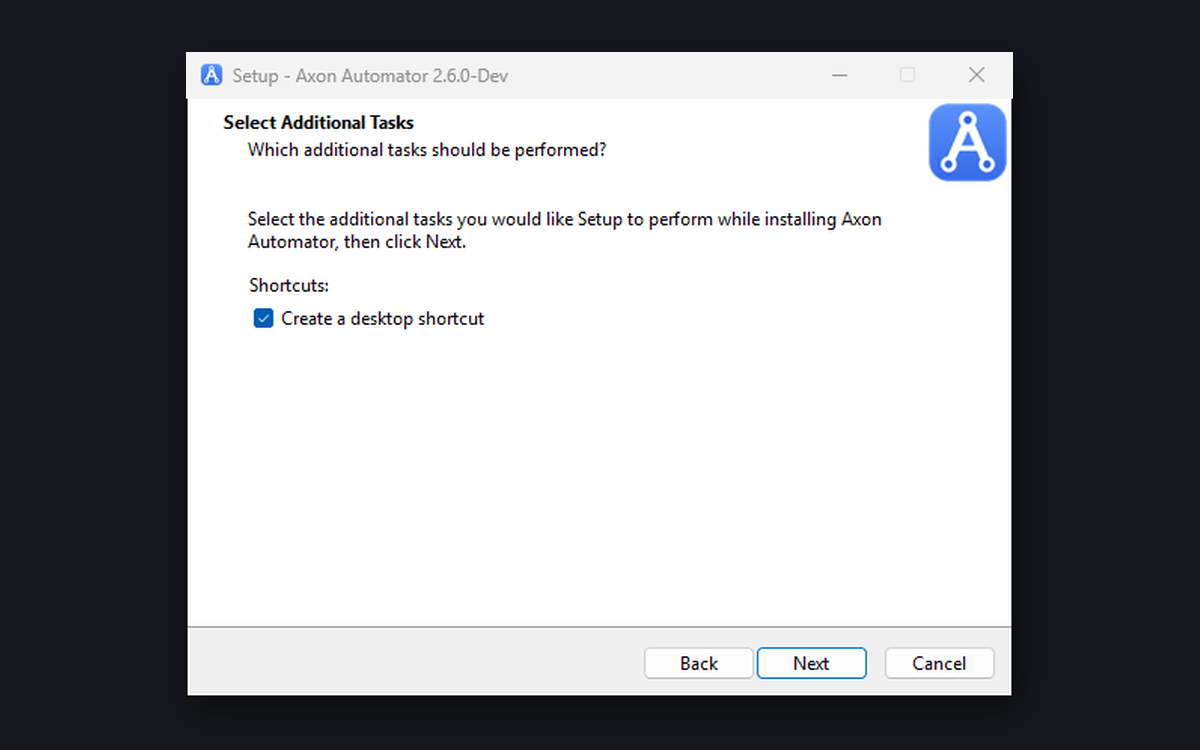
Pick a desktop shortcut if you want one, then click through to the end. Leave Launch Axon Automator now ticked. You will also find it in the Start menu.
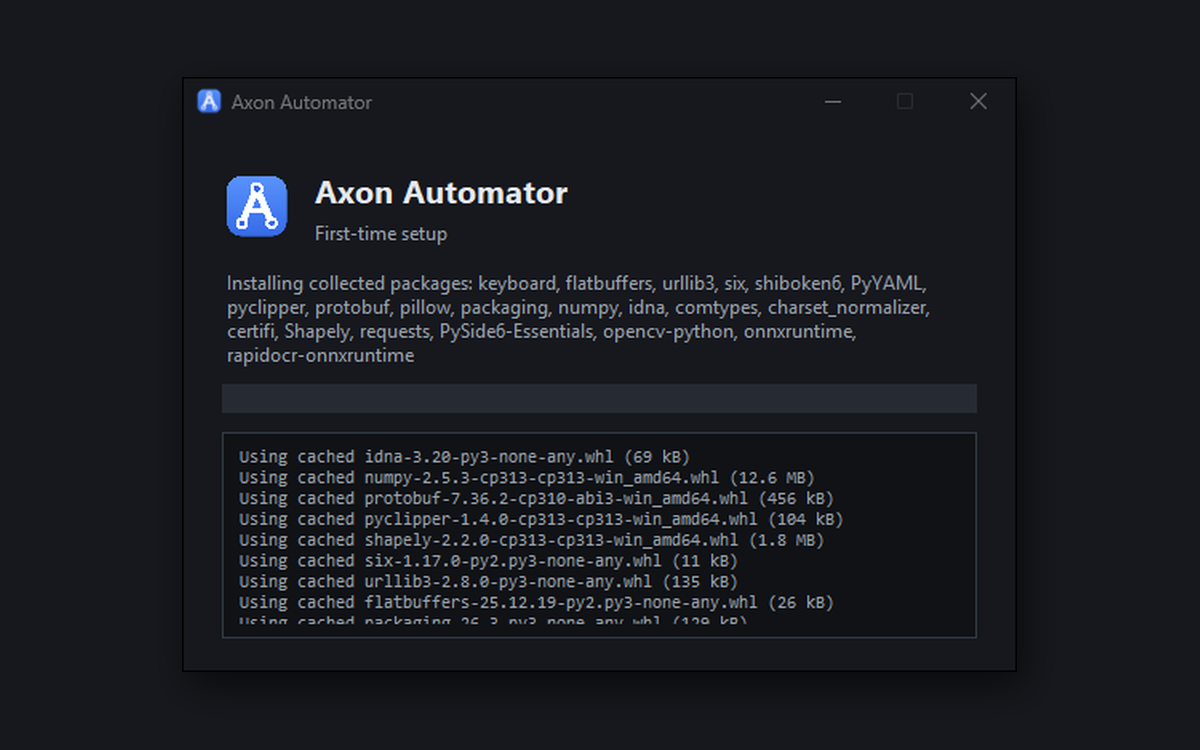
The first time it opens, a splash screen downloads the remaining components. You need an internet connection for this once. After that, it opens instantly.
On the Flow page, open the Add panel on the right and pick Click. The new step opens in the editor, ready for its picture.
In its Look for image block, click Capture and drag a box around the button you want it to find. You can also pick a saved picture with From file.... Press Save changes when it looks right.
Connect steps by dragging a wire from one node to the next. A red if not found wire sends a step somewhere else when its picture never appears.

Click Start or press F6. The top bar shows which step is running, and that node glows green. Press F8 to stop. The repeat button next to it (Continuous · 1x) sets how many times it runs and how fast. Ctrl+Q quits the app.

Press Ctrl+R or click Record, then do your task by hand. Stop recording and Axon Automator turns what you did into steps, named from on-screen text and button labels. Edit any of them the same way as a step you built yourself.

Export saves your automation as a single .axon file, with a picture of its flow, an optional description and your name. Import shows all of that before anything is added, and checks the file isn't damaged. You can also drop a .axon file straight onto the app.

Axon Automator installs plain Python source files, not a packed .exe, so you can open and read exactly what it runs. The setup installs per user and never asks for admin rights. Press F8 to stop a run at any time, and use no-go zones to keep it away from parts of the screen. We can't promise no antivirus will ever flag it, so if one does, check the files yourself.
Yes. It works with games such as Roblox as well as normal desktop apps, and Find & Interact can steer through 3D worlds. Check each game's rules before you automate it. Following them is up to you.
Yes. Image matching works across different resolutions and monitors, and you can choose which displays it scans in Settings.
Yes. Axon Automator is free to download and use.
No. If you don't have Python 3.11 to 3.13, the setup installs Python 3.13 for you.
The setup is not code-signed yet, so Windows SmartScreen may warn you. Click More info, then Run anyway.
